
Essential Network & CCTV Infrastructure Checklist for New Hotels and Restaurants
When building a new hotel or restaurant, network and CCTV often fall below kitchen fit-out on the priority list. This is the single most expensive mistake in hospitality build-outs.
A proper hospitality network CCTV checklist ensures you avoid costly rewiring and compliance issues. The most common infrastructure mistake isn’t a broken system, it’s under-specifying cable runs with no spares.
Cabling, Wi-Fi, POS wiring, and CCTV all depend on decisions made before the walls are closed up. Retrofitting after opening costs far more than getting it right at build-out. Here’s the complete checklist to work through with your contractor and IT provider before construction wraps up.
1. Structured Cabling for Your Hospitality Network CCTV Checklist
Wi-Fi and wireless CCTV rely on a strong wired backbone. For stationary, business-critical devices – POS terminals, kitchen display screens, network video recorders, access points, back-office computers – a proper Ethernet run is more reliable than wireless.
Checklist:
• Cat6A cabling is the minimum standard for new installations. It supports 10 Gbps performance at distances up to 100 meters. Additionally, it handles interference from kitchen equipment and HVAC systems far better than older cable grades.
• Install a dedicated telecoms rack or cabinet with patch panels. Label everything clearly. This prevents maintenance staff from guessing which cable goes where.
• Plan spare cable runs at every critical point during construction. Include reception, each POS station, the kitchen, and key access point locations. A spare run costs a fraction of what it costs to open a finished wall after a cable fails.
• Run cable to every zone that will eventually need connectivity. Include outdoor seating, future event spaces, and additional guest rooms. Leaving an unused cable in the wall costs far less than adding one after finishing.
2. Network Segmentation in Your Hospitality Network CCTV Checklist
The biggest hospitality network mistake is running everything on one flat network. This includes guest devices, POS, CCTV, and building systems. If a guest’s compromised phone can reach your payment terminal, that’s a design failure.
Therefore, plan for at least four logically separated networks (VLANs). Each should have its own access rules:
| Network | Purpose | Access Rules |
|---|---|---|
| Guest Wi-Fi | Guest devices, browsing, streaming | Internet-only; guest-to-guest isolation; no access to other networks |
| Operational network | POS, PMS, staff devices, back-office | Staff-only; firewalled from guest Wi-Fi |
| Security network | IP cameras, NVR, access control | Isolated from guest and staff traffic; limited remote access for monitoring |
| Building automation | HVAC, lighting, energy management | Isolated from guest and operational networks; VPN-protected vendor access |
Guest-to-guest isolation deserves special attention. Guests should never see or access another guest’s device over your Wi-Fi. This is a standard feature on business-grade access points. However, it’s frequently left disabled by default on consumer equipment. Confirm it’s switched on during setup.
3. Guest Wi-Fi Planning for Hospitality Network CCTV Checklist
Designing Wi-Fi coverage from a floor plan alone is a common mistake. A packed dining room or fully booked hotel floor places far more demand on Wi-Fi than empty space. Kitchen equipment, refrigeration units, and exterior walls interfere with signal in ways a floor plan doesn’t show.
Checklist:
• Run an actual wireless site survey before finalising access point placement. Measured signal strength beats guesswork every time.
• Ceiling-mounted access points with roaming support work best. Place them room by room rather than relying on one central unit.
• Use weather-rated access points for outdoor seating and patios. Indoor units rarely carry signal reliably through glass or exterior walls.
• Set up a branded guest captive portal for login. This communicates house Wi-Fi policies and allows collection of guest contact details.
• Plan bandwidth for peak demand, not average usage. A venue running cloud-based POS, streaming music, CCTV, and a full guest network quickly outgrows a basic internet package.
4. POS Network Setup in Hospitality Network CCTV Checklist
Your POS system directly stops revenue the moment it fails. A card machine timing out mid-queue on a busy Friday night means a lost sale and a frustrated guest.
Checklist:
• Wire every POS terminal directly via Ethernet. A stationary terminal has no need for wireless, and a wired connection is faster and more reliable.
• Keep POS traffic on its own segmented network. Isolate it from guest Wi-Fi entirely for both performance and payment security.
• Plan for offline resilience. Can your POS still process a payment during an internet outage? For example, via a Till Number M-Pesa transaction. A POS that stops working during an outage isn’t hospitality-grade.
• Consider a backup connectivity option. A secondary ISP or mobile data failover can save you during peak service outages.
5. CCTV Compliance in Your Hospitality Network CCTV Checklist
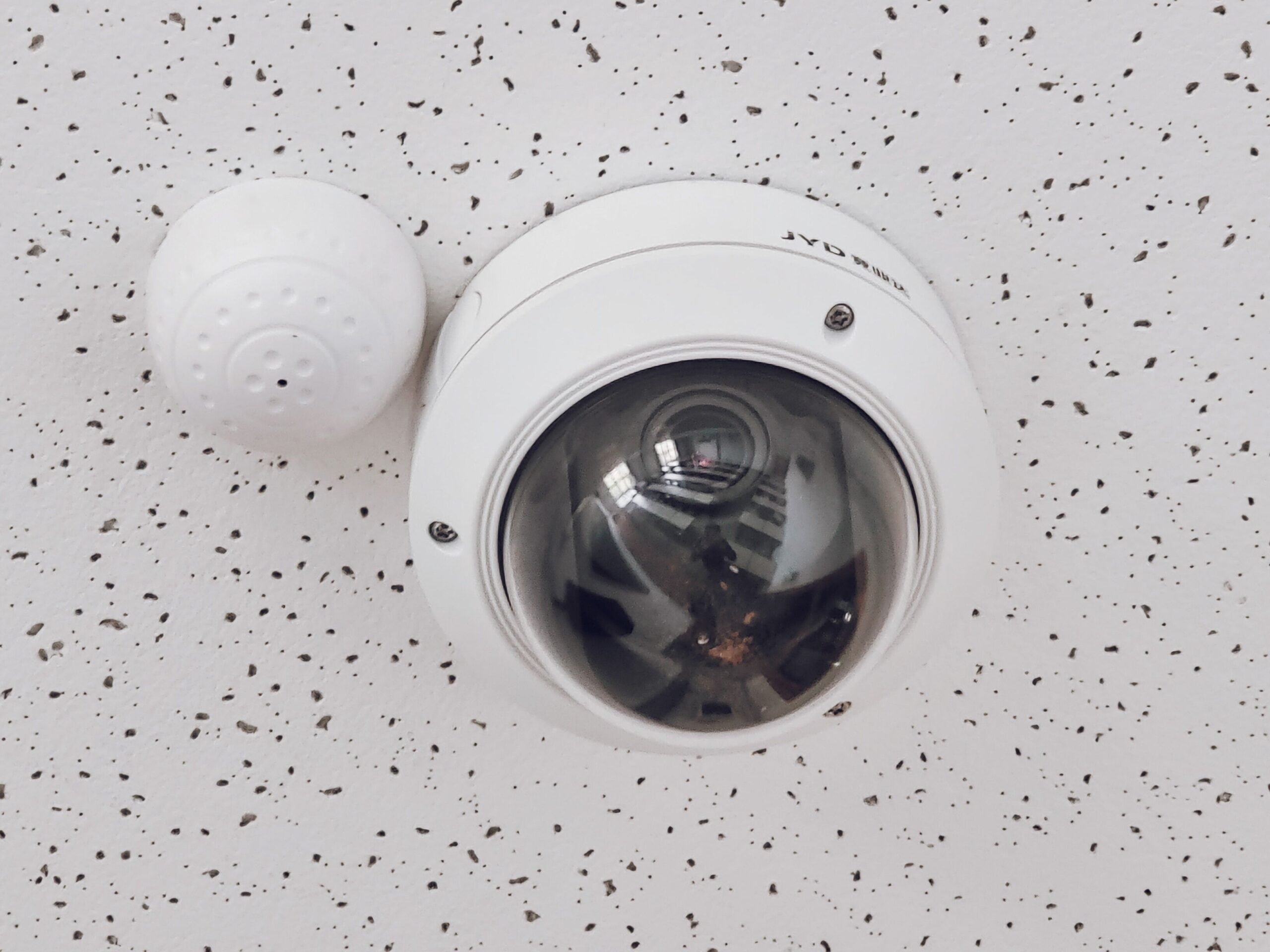
CCTV in hospitality serves two purposes. It deters theft and disputes. It also provides evidence when something goes wrong. Getting both coverage and compliance right matters equally.
Coverage checklist by zone:
| Zone | Priority | Notes |
|---|---|---|
| Entrances and exits | Essential | Clear facial coverage, not just a wide angle |
| Reception / till points | Essential | Overlapping coverage with POS timestamp sync |
| Parking and outdoor areas | High | Weather-rated cameras, adequate night vision |
| Kitchen and back-of-house | High | Deters internal theft and supports food safety review |
| Corridors and stairwells | Medium | General movement coverage |
| Guest rooms, washrooms, private areas | Never | Kenyan law protects privacy expectations |
Infrastructure and compliance checklist:
• Use PoE (Power over Ethernet) cameras wired back to a dedicated NVR. This is more reliable than Wi-Fi cameras and easier to troubleshoot.
• Size your NVR storage for your actual retention needs. Most venues keep 30–90 days of footage. Your risk profile and insurance requirements may call for longer.
• Register your CCTV operation under the Data Protection Act. DPA compliance for CCTV is not optional. Footage of identifiable people counts as personal data. Violations can attract fines of up to KES 5 million or 1% of annual turnover.
• Post visible signage informing guests and staff that CCTV is in operation. Be able to explain why footage is being collected if asked.
• Restrict footage access to specific, named staff. Keep a log of who accessed recordings and when. This matters for both compliance and internal loss-prevention credibility.
6. Power Resilience for Hospitality Network CCTV Checklist
Your network is only as reliable as its power supply. If switches, access points, and NVR go dark during every outage, your security system fails when you need it most.
Given how frequently Kenyan businesses experience outages, a UPS for your core network equipment and NVR isn’t optional. It keeps CCTV recording and guest Wi-Fi running through short outages. This prevents going completely dark at exactly the moment security footage matters most.
Hospitality Network CCTV Checklist: The Bottom Line
Venues that avoid mid-service network failures share one thing in common. They treat cabling, segmentation, guest Wi-Fi, POS wiring, and CCTV as one integrated design decision. This happens before the walls close not as separate afterthoughts after opening night.
Therefore, run the site survey, pull the spare cable runs, segment your networks properly, and get your CCTV compliance sorted from day one.
Building a New Venue? Get the Infrastructure Right From Day One
Retrofitting cabling, fixing a flat network, or discovering your CCTV isn’t DPA-compliant after opening is far more expensive than planning properly during build-out. Sapiens IT Lab’s managed IT services team designs and installs complete hospitality network and CCTV infrastructure – structured cabling, segmented networks, guest Wi-Fi, POS wiring, and compliant CCTV before your doors open.
Building a new hotel or restaurant? Book a 15-minute infrastructure consultation via WhatsApp or visit Sapiens IT Lab to request a free on-site assessment – we’ll walk your build-out plans before the walls close up.
Chat with Us on WhatsApp

