
HMIS Cloud Kenya: On-Premise vs Hybrid for Power & Internet Reliability
If your outpatient desk grinds to a halt every time Kenya Power runs scheduled maintenance, you already know this isn’t a hypothetical problem. Choosing the right HMIS cloud Kenya architecture is critical for keeping your clinic running during outages.
Just last week, a nationwide blackout knocked out power across Nairobi, the Coast, Mt Kenya, and parts of the Central Rift. A cloud-only hospital management system with no offline fallback turns that outage into a full stop for patient registration, billing, and clinical records.
This isn’t a rare edge case. A recent study found that 83% of Kenyan health facilities experience frequent power outages. Additionally, 58% face them daily or near-daily. Two-thirds reported that outages directly disrupted their electronic medical record system.
On the connectivity side, Kenya has experienced multi-day national internet slowdowns after undersea cable cuts. These disruptions hit banks, telcos, and healthcare facilities alike, regardless of their local Wi-Fi setup.
So the real question isn’t “cloud or on-premise” in the abstract. It’s: which HMIS cloud Kenya architecture keeps your outpatient desk running when the power blinks or the fibre cuts out? This guide walks through exactly how each option works and what happens during an outage under each model.
HMIS Cloud Kenya: Understanding On-Premise vs Cloud Basics
It’s worth being precise here, since these words get thrown around loosely in vendor pitches. The differences matter enormously once the power goes out.
On-Premise HMIS
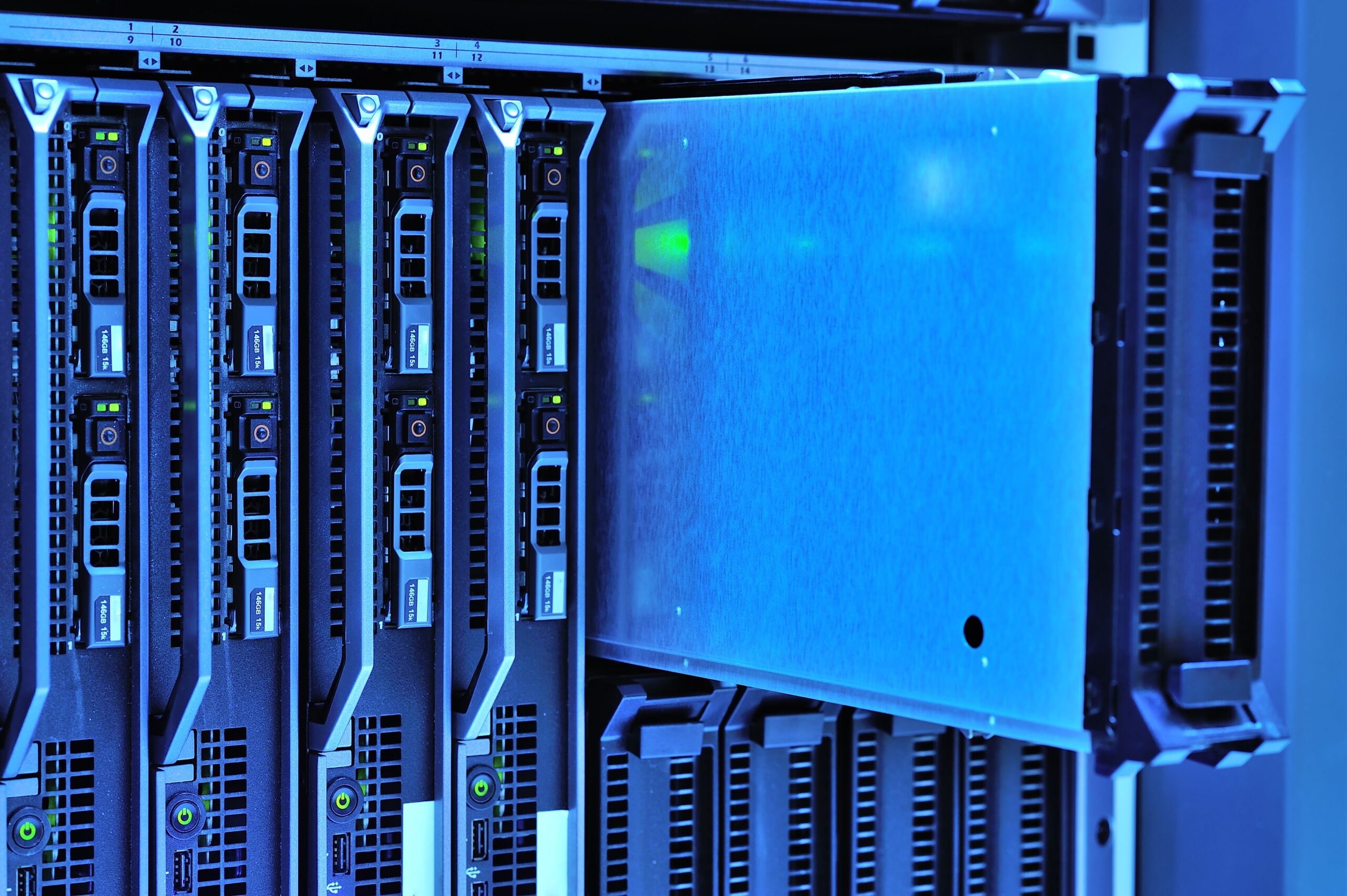
On-premise means the HMIS software and all your patient data physically live on a server inside your facility. This is usually a dedicated computer in a back office or server room. Your reception desk, nurses’ station, and billing office all connect to that one machine over your internal local network. Because everything happens on your own local network, an on-premise system doesn’t need the internet to function at all for day-to-day use. It only needs your facility’s internal Wi-Fi or ethernet cabling, and electricity to keep that server running.
Cloud-Based HMIS
Cloud-based means the opposite: your HMIS software and patient data live on a vendor’s servers. These are physically located somewhere else entirely, often in a data centre that could be in Nairobi, South Africa, Europe, or the United States. Your staff access the system by opening a web browser or app on a computer or tablet. This sends a request out over the internet to that distant server, and the server sends the patient record back.
Hybrid or “Offline-First Cloud” HMIS
Hybrid combines both ideas deliberately. Here, a lightweight version of the system runs locally on a computer or small local server at your facility. Staff can keep working – registering patients, recording vitals, generating bills exactly as if it were a fully on-premise system, even with zero internet connection. Behind the scenes, once an internet connection becomes available again, the system automatically uploads everything that happened while it was offline to a central cloud server. This makes it visible across all your facility’s devices, and to head office if you run multiple branches.
This is the same underlying design principle used by KenyaEMR, one of the largest electronic medical record rollouts on the African continent. Its designers understood early on that Kenyan clinics could not depend on constant power and connectivity.
A Worked Example: One Clinic, Three Architectures, One Bad Afternoon
To make this concrete, imagine a mid-sized clinic in Kitengela. It has a busy Tuesday afternoon outpatient queue of around 40 patients. At 2 p.m., Kenya Power begins scheduled maintenance in the area. They cut electricity for six hours. Here’s what happens to the front desk under each architecture.
Under a purely on-premise system: As long as the clinic’s server has a UPS, the front desk can keep registering and billing patients uninterrupted. Everything runs over the internal network rather than the internet. The risk here isn’t the outage itself. The risk is what happens if the UPS runs out before power returns. The same applies if that one server has a hardware fault with no cloud backup elsewhere. If the server itself fails at any point, the clinic could lose its entire patient record history in one incident.
Under a purely cloud-based system: The moment the clinic’s router loses power, the front desk loses its connection to the vendor’s remote servers entirely. Staff can no longer see any patient’s history. They cannot register new patients into the system. They cannot generate bills through the software. Some clinics resort to paper registers as a stopgap. They then manually re-enter that afternoon’s records once power and internet return. This is exactly the kind of double-handling and error-prone workaround a good HMIS should eliminate.
Under a hybrid, offline-first system: The local component of the software keeps running on a small local device or laptop with its own battery. Registration, vitals, and billing continue uninterrupted through the outage. The difference emerges once power and internet return later that evening. The system automatically syncs everything recorded during the outage up to the cloud. This means the clinic now has an off-site backup of that day’s records. It also allows head office or another branch to see updated information. The purely on-premise setup can’t offer this without extra work.
This single scenario is why the “hybrid” approach has become the practical recommendation across similar markets. It captures the resilience of on-premise during an outage. It also provides the safety net and connectivity of cloud once the outage ends.
How to Choose the Right Architecture for Your Facility
Rather than picking a side in the cloud-versus-on-premise debate generically, work through these steps specific to your facility’s actual infrastructure conditions.
1. Audit your power reliability honestly
Track outages for two full weeks: how often does power cut, how long does each outage typically last, and does your existing UPS or generator actually kick in reliably when tested. If you’re experiencing outages daily, as more than half of Kenyan facilities do, any system that goes fully dark without power isn’t viable for your front desk, regardless of whether it’s cloud or on-premise underneath.
2. Check your internet redundancy
Ask whether your facility has a genuine backup connectivity option, such as a mobile data hotspot on a different network from your main provider. Since undersea cable cuts have taken down internet access across entire East African countries simultaneously in the past, even a backup line from a different local ISP may not help during a truly nationwide event. It’s worth understanding which layer of the network your backup actually depends on.
3. Separate “must work offline” from “can wait” functions
Patient registration, basic clinical notes, and billing at the point of care need to keep working regardless of connectivity, since these happen the moment a patient walks in. Analytics dashboards, multi-facility reporting, and remote access for administrators working from home, by contrast, can reasonably tolerate a short delay until the connection and sync resume.
4. Weigh the real total cost over several years
On-premise systems typically demand a larger upfront investment, often several times higher, in servers and IT setup. However, they avoid the recurring monthly subscription fees that cloud systems charge indefinitely. As a rough illustration: a cloud subscription priced at roughly KES 65,000 per month adds up to about KES 2.34 million over three years. An on-premise system with a higher one-time cost of KES 1.3 million to KES 2 million for hardware and setup may end up cheaper over that same three-year period, provided you don’t need to replace the hardware.
For most small and mid-sized Kenyan clinics without a dedicated IT department, a hybrid model often spreads this cost more sensibly. The vendor typically still handles server maintenance remotely while your facility keeps the ability to function offline.
5. Confirm your backup power matches your uptime needs
A server or router without a UPS is only as reliable as the grid it’s plugged into. A six-hour outage becomes a six-hour system outage the instant the wall socket goes dead. At minimum, budget for a UPS sized to comfortably cover your busiest hours. This ensures your front desk has enough runtime to finish an active patient encounter even mid-outage.
6. Ask vendors directly how sync conflicts are resolved
In a genuine offline-first system, two staff members could edit the same patient record while both are working offline on different devices. For example, a nurse recording vitals on a tablet while reception updates billing details on the front desk computer, both disconnected from the internet at the same time. Once connectivity returns, the system needs clear, tested rules for reconciling those two versions of the same record. It must avoid silently overwriting one with the other and losing information nobody notices went missing. This is a detail many facilities only discover the hard way, after data gets lost or duplicated. Therefore, ask any vendor to explain, in plain terms, exactly what happens in that scenario before you commit.
7. Plan your data backup regardless of which architecture you choose
Whether you land on cloud, on-premise, or hybrid, confirm exactly how often your patient data is backed up. Also check where those backups are physically stored, ideally somewhere other than the same room as your primary server. A single point of failure — whether that’s one unbacked-up on-premise server or a cloud vendor with no redundancy of their own — puts your entire patient record at risk.
Why Hybrid Is the Practical Default for Most Kenyan Clinics
Given the infrastructure realities most Kenyan facilities actually face daily or near-daily outages for well over half of clinics, undersea cable disruptions capable of taking down national connectivity for days at a stretch, and limited budgets for a dedicated in-house IT department – a purely cloud-only system creates real operational risk every time the network drops. Similarly, a purely on-premise system without any cloud backup creates real data-loss risk if that one server ever fails.
An offline-first, hybrid architecture is built specifically to handle both problems at once: genuine local functionality when the network is down, exactly like the Kitengela clinic example above, combined with cloud-based backup, multi-site visibility, and easier remote maintenance once connectivity is restored.
Ready to Find the Right HMIS for Your Clinic?
Don’t let power outages or internet downtime disrupt your patient care. Sapiens IT Lab can assess your facility’s infrastructure and recommend the HMIS architecture that keeps your front desk running no matter what Kenya Power or the undersea cables throw at you.
Want to find out which HMIS architecture fits your clinic’s power and internet reality? Book a free 15-minute HMIS demo via WhatsApp or request a free on-site IT assessment today.
Frequently Asked Questions
Is cloud or on-premise HMIS better for Kenyan clinics with frequent power outages?
Neither is ideal on its own if outages are frequent. An offline-first hybrid system, which stores data locally and syncs to the cloud once connectivity returns, generally handles Kenya’s power and internet reliability challenges better than either pure cloud or pure on-premise alone.
Lorem ipsum dolor sit amet, consectetur adipiscing elit. Ut elit tellus, luctus nec ullamcorper mattis, pulvinar dapibus leo.
Lorem ipsum dolor sit amet, consectetur adipiscing elit. Ut elit tellus, luctus nec ullamcorper mattis, pulvinar dapibus leo.
What happens to a cloud-based HMIS during an internet outage?
Without offline-first design, a cloud-based HMIS becomes unusable during an internet outage. Staff can’t access patient records or process billing until connectivity is restored. Some clinics fall back on paper registers during these gaps, then re-enter that data once the system comes back online. This is a significant risk given Kenya’s history of multi-day national internet disruptions from undersea cable cuts.
Does on-premise HMIS still need internet to function?
No, on-premise systems run on a local server and typically work over your internal network without needing internet access. This is one of their key advantages during connectivity outages. However, they still require reliable power to the server itself, and a UPS or generator to bridge outages.
How common are power outages at Kenyan health facilities?
A recent study found that 83% of Kenyan health facilities experience frequent power outages, with 58% facing them daily or near-daily. Additionally, 42% lack a functional backup power source.
What is offline-first hybrid architecture, in simple terms?
It’s a system design where a local version of the software runs on-site, letting staff keep registering patients and processing bills during an outage exactly as they would offline. The system automatically uploads everything to a central cloud server once internet connectivity returns. This approach is increasingly recommended for African healthcare facilities facing unreliable power and connectivity.
What happens if two staff members edit the same patient record while both are offline?
This depends on how well the specific system handles sync conflicts. A well-designed offline-first system has clear rules for reconciling two versions of the same record once connectivity returns, rather than silently overwriting one with the other. It’s worth asking any HMIS vendor to explain exactly how they handle this before choosing a system.


